
Nintendo Boosts Performance of Switch Games on Switch 2
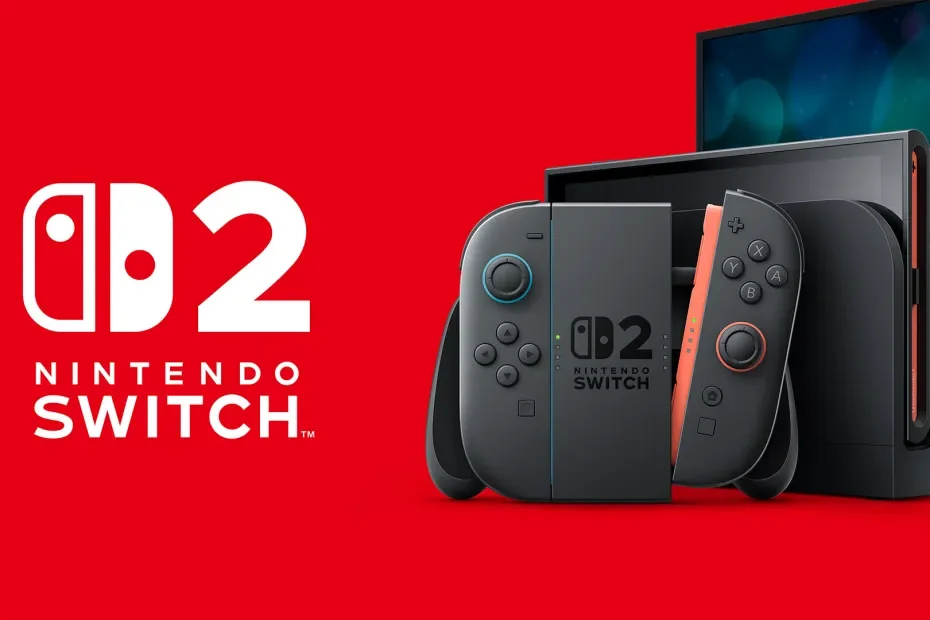
Nintendo Switch 2 ‘Handheld Mode Boost’ Officially Launches in Ver. 22.0.0
Nintendo has released System Update Version 22.0.0 for the Nintendo Switch 2, and it brings with it a new feature: Handheld Mode Boost. This update allows your library of original Nintendo Switch games to tap into the full power of the Switch 2 hardware while in handheld or tabletop mode.
What is Handheld Mode Boost?
The core of this update is simple but transformative. Historically, original Switch games had two distinct performance profiles: Handheld (usually 720p with lower clock speeds) and Docked (up to 1080p with higher power).
With the new Handheld Mode Boost enabled, the Switch 2 essentially "tricks" original Switch games into thinking they are docked in TV Mode, even while you’re playing out of the dock. Because the Switch 2 features a native 1080p handheld display, games that previously looked soft or blurry at 720p now run at their maximum native resolution.
Key Improvements in Version 22.0.0
While the "Boost" is the headliner, the 22.0.0 patch notes reveal a massive quality-of-life overhaul for the console:
1080p Handheld Clarity: Games like Xenoblade Chronicles 3 see immediate benefits, running at their higher docked resolutions on the Switch 2’s vibrant screen.
GameChat Upgrades: Improved screen-sharing quality and the ability to invite friends directly into active GameChat rooms.
Advanced Airplane Mode: The system now remembers your individual Bluetooth and Wi-Fi settings when toggling Airplane Mode on and off.
The Fine Print: Battery and Controls
Nintendo has included a "Support Page" warning for the new mode, as forcing TV profiles onto a handheld device comes with a few trade-offs:
Battery Drain: Running at "Docked" speeds requires more juice. Expect a noticeable dip in battery life when Boost Mode is active.
Controller Mapping: Since the game thinks it's in TV mode, your attached Joy-Con 2 controllers will be treated as a Pro Controller by the software.
Touch Screen: Some games may disable touch screen functionality while Boosted, as they expect to be played on a television.
How to Enable Handheld Mode Boost
If you've downloaded the update, the feature is off by default. To turn it on, follow these steps:
Go to System Settings on your Home Menu.
Scroll down to System.
Select Nintendo Switch Software Handling.
Toggle Handheld Mode Boost to ON.
Out of Sync Take
This update proves that Nintendo is serious about making the Switch 2 the definitive place to play the entire Switch ecosystem. By giving us the choice to prioritize performance over battery life, they’ve essentially given every original Switch game a "Next-Gen" patch for free.
Which game in your backlog are you boosting first? Drop a comment below or join our Discord to share your screenshots of the 1080p difference!
